 SafeClip
Copy freely. Share safely.
SafeClip · Clipboard manager for Mac
A native macOS clipboard manager that keeps history on your Mac, helps you find copied content, and replaces sensitive values before you share them.
macOS 15+

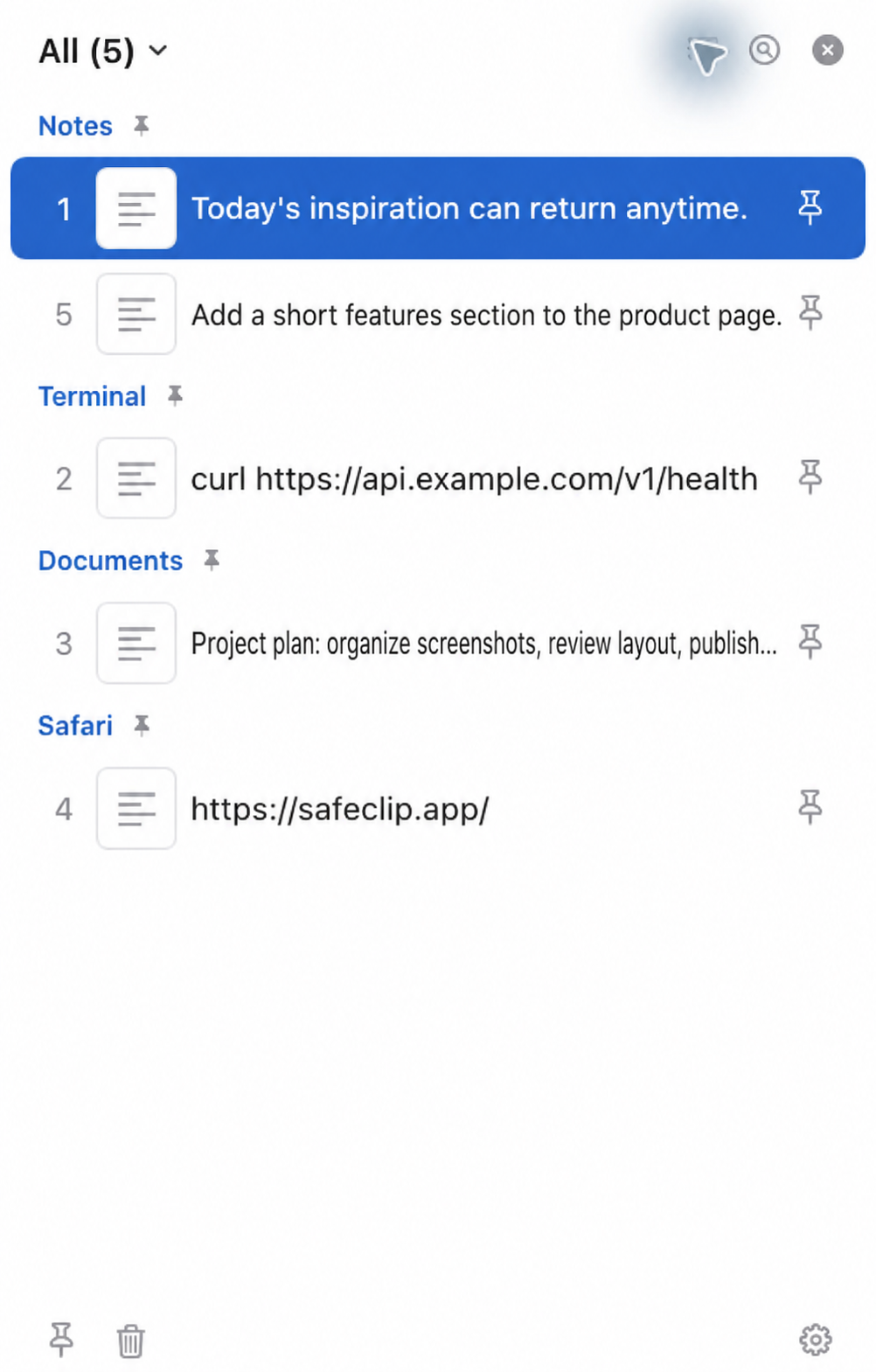
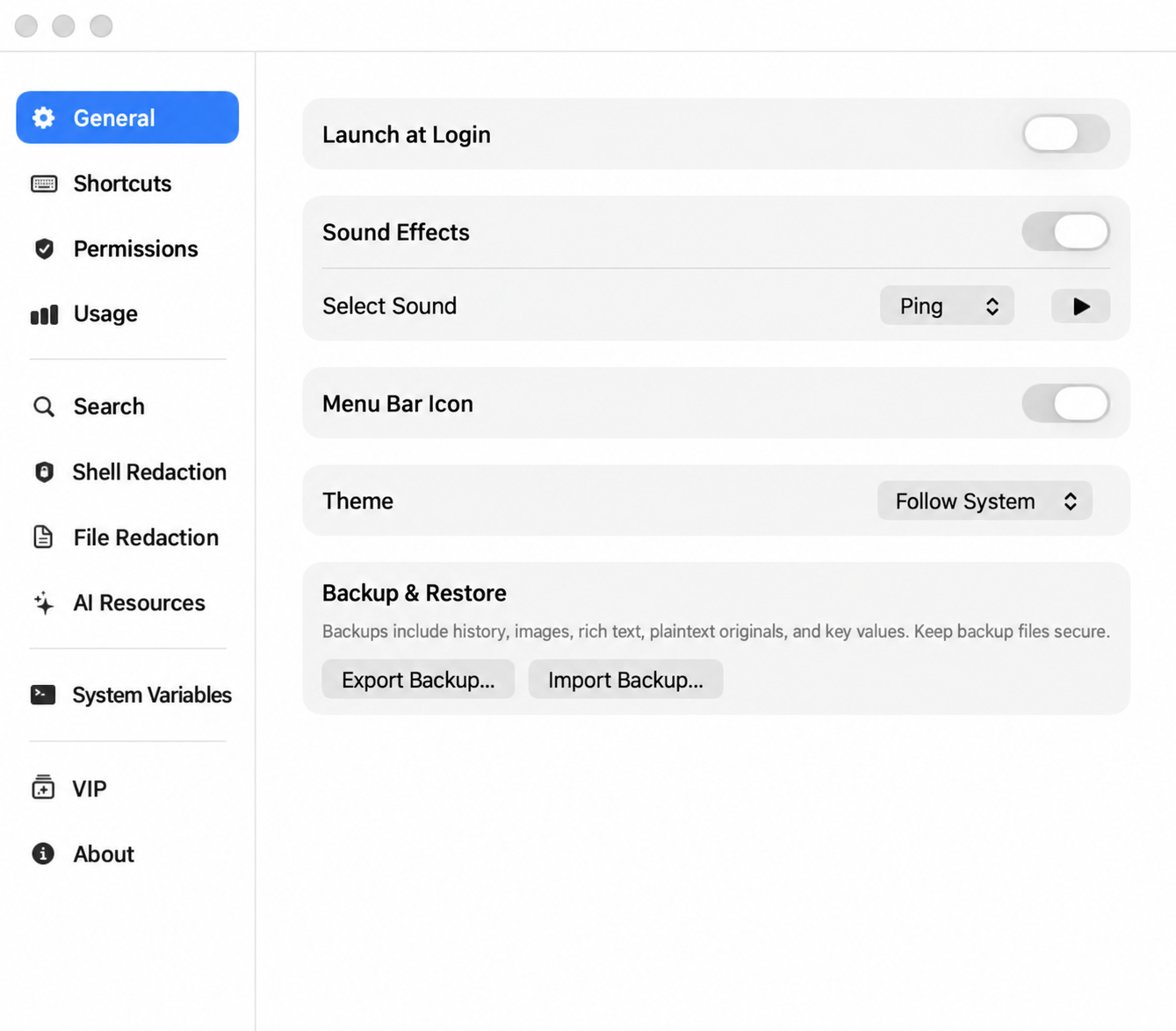
Protect sensitive data, find every idea.
From shell commands to documents and images, SafeClip helps you find and reuse copied content. Clipboard history stays on your Mac.
Save copied text, images and files. Find them again and reuse them whenever you need.
Questions about SafeClip for Mac
What can I use for free?
Clipboard history, basic text and document filename search, image pinning and system variable management are free. VIP adds advanced redaction, OCR, document content search, text and file pinning, and MCP/CLI access.
Does SafeClip upload my clipboard history?
Clipboard history, redaction rules, OCR text and document search indexes stay on your Mac. Account and purchase services handle sign-in and VIP access separately.
How does sensitive data redaction work?
Enabled rules replace matching secrets in copied Shell commands with local references and create redacted copies of supported files. Original files are preserved. Rules can miss sensitive information, so review content before sharing.
Which Macs are supported?
SafeClip requires macOS 15 or later and supports Apple Silicon and Intel Macs. Download the Mac app from the download page.
Copy freely. Share safely.
A native macOS clipboard manager that keeps history on your Mac, helps you find copied content, and replaces sensitive values before you share them.
Download SafeClip